
Compose and send a request
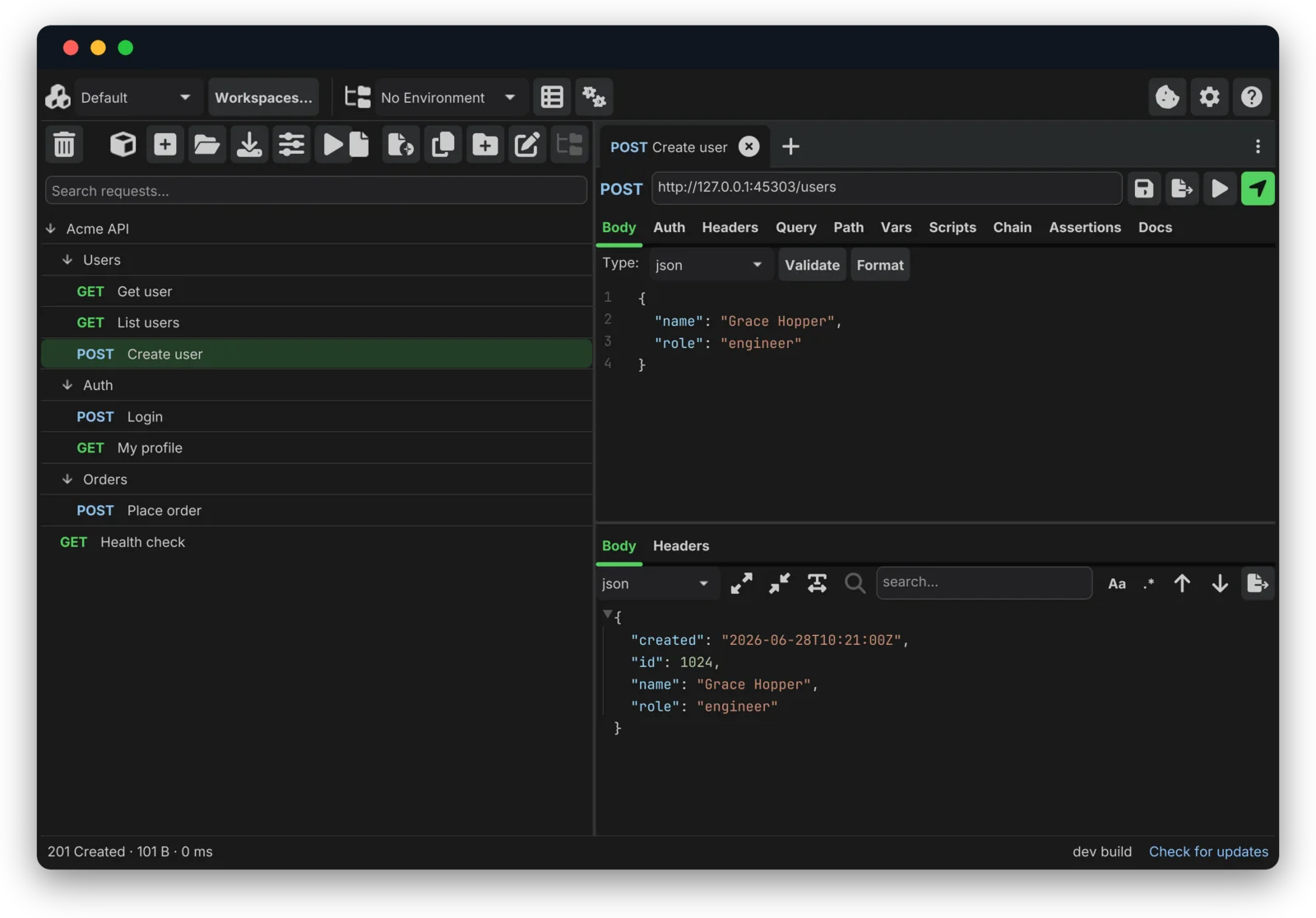
Pick a method, type a URL (with {{variables}}), fill in a body and hit Send. The response panel pretty-prints JSON with structured folding, search and a raw view, and shows the status, size and timing.
 (open full size)
 bartosz@idct:~/software/helena$ ls examples/
A few representative workflows, captured from the real app running against a local demo API.
Pick a method, type a URL (with {{variables}}), fill in a body and hit Send. The response panel pretty-prints JSON with structured folding, search and a raw view, and shows the status, size and timing.
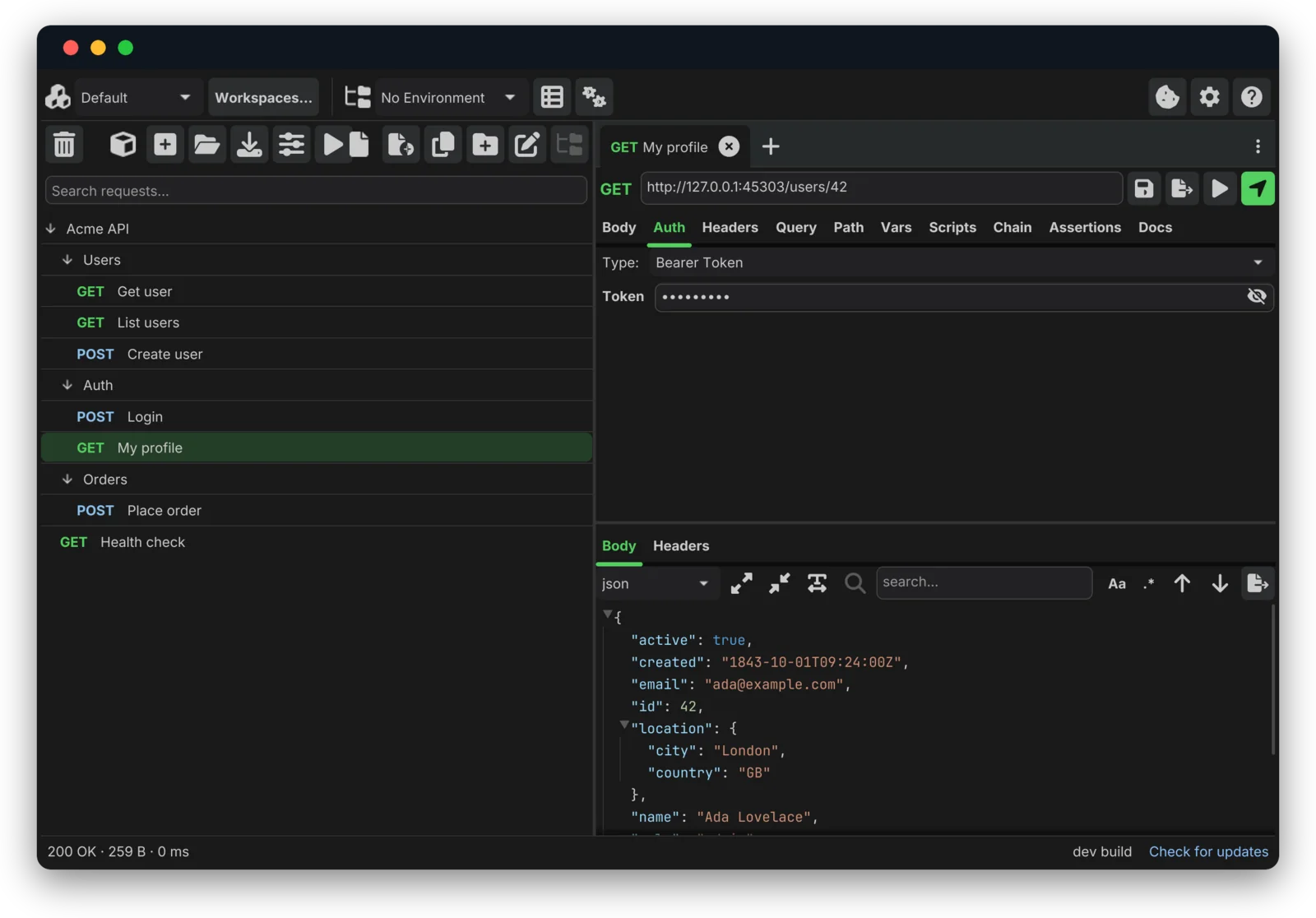
(open full size) Open the Auth tab and choose a scheme: Basic, Bearer, API Key, OAuth 2.0 (with auth code and PKCE), OAuth 1.0a, WSSE, AWS SigV4, Digest or NTLM. Credentials can come from {{variables}}, so secrets stay out of the collection YAML. Then check the response in a post-response script:
test("profile looks right", function () {
  expect(response.status).toBe(200);
  expect(response.json.role).toBe("admin");
  expect(response.json.tags).toContain("founder");
});
 (open full size)
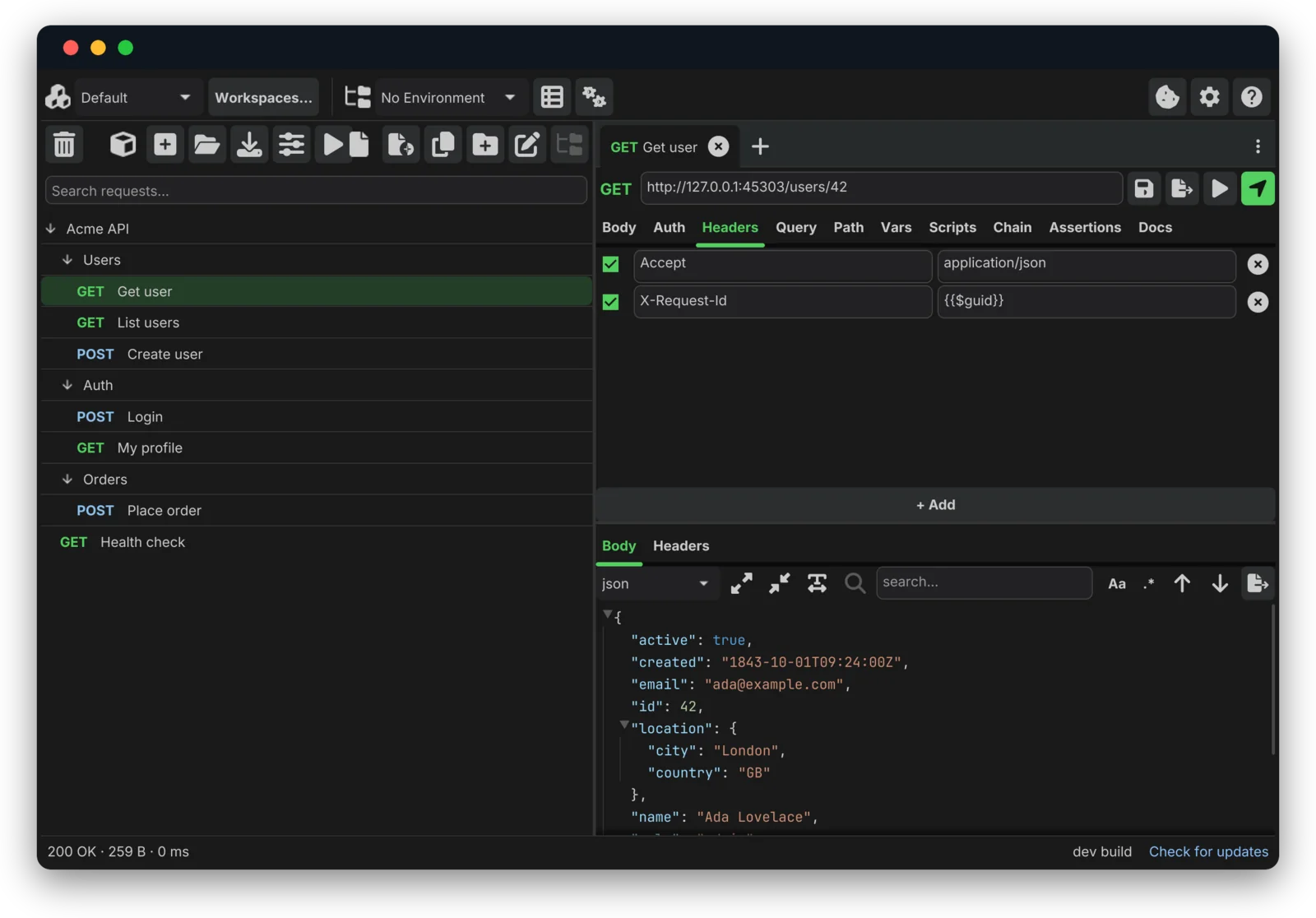
 Add request headers (with {{$guid}} and other dynamic values), then read the response back as a folding JSON tree with search.
 (open full size)
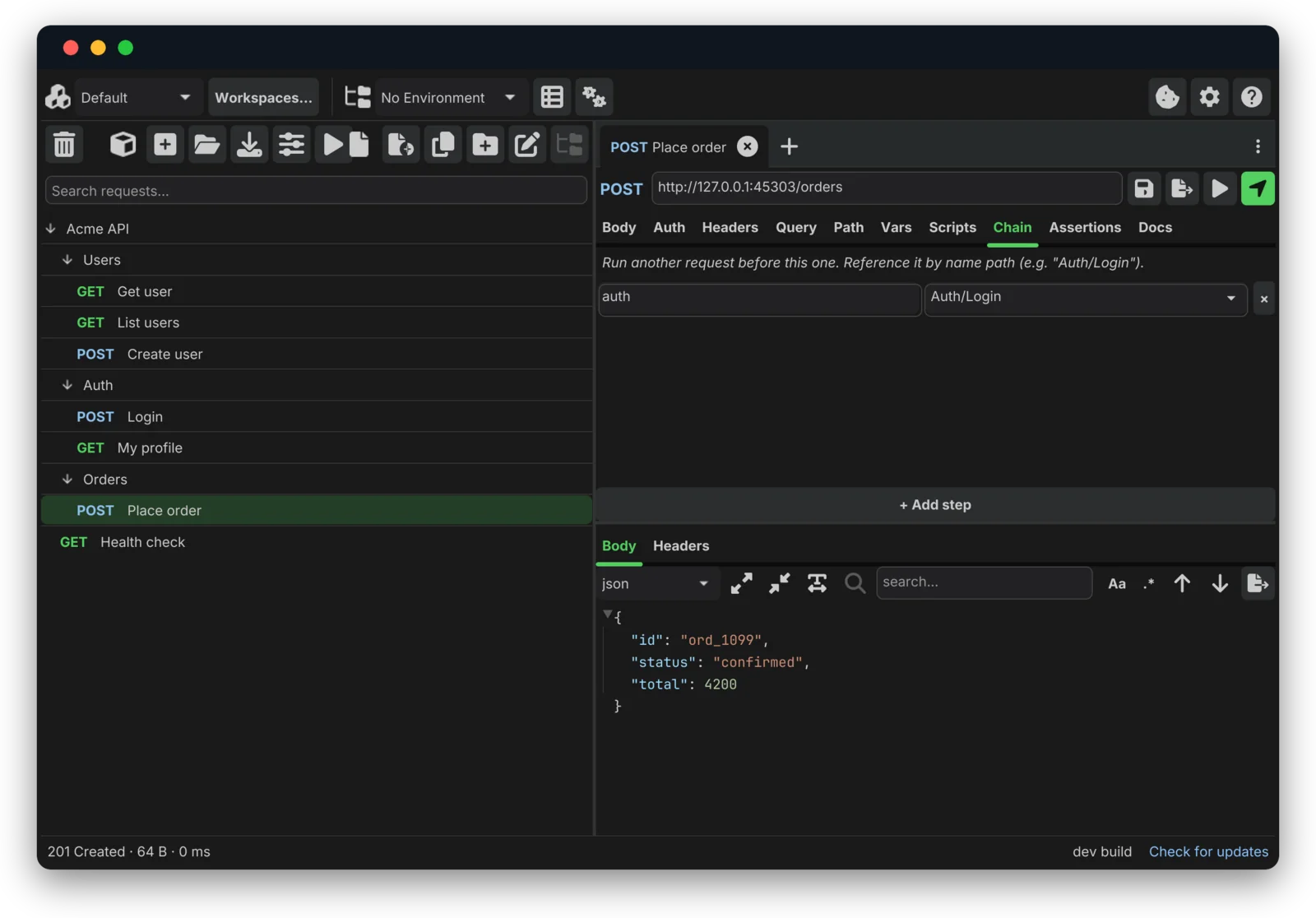
 On the Chain tab, name a prior request by its path and give it an alias. Helena runs it before the leaf and binds the result as chain.<alias> for your headers, body and scripts, so you can log in and place an order in a single Send: no copy-paste and no juggling tokens by hand. Reference the chained response anywhere a {{variable}} works:
Authorization: Bearer {{chain.auth.response.json.token}}
Or reach it from a script:
// Pull a value out of an earlier request's response
const token = chain.auth.response.json.token;

// Or stash it from the login's own post-response script
helena.env.set("TOKEN", response.json.token); // -> {{TOKEN}} anywhere
 (open full size)
 Enter a wss:// URL and press Send: Helena opens a live session. Type messages to send; received messages stream into the transcript. Pings are answered automatically and fragmented messages are reassembled. Server-Sent Events have their own control: point at a text/event-stream endpoint and press Stream (SSE), and events append live into the response view.
Run the whole collection headlessly, with the same resolution, scripts and assertions as the app, and gate your pipeline on the exit code:
helena run ./collections/acme --env Staging
# exits non-zero if any request errors or any check fails

# machine-readable output for CI dashboards:
helena run ./collections/acme --format junit > report.xml
helena run ./collections/acme --format json  > report.json
ok    Users/Get user               GET    200  3ms
ok    Users/Create user            POST   201  5ms
        PASS  profile looks right
2 requests, 1 checks passed, 0 failed
The screenshots on this page are real captures of the app against a local demo API; make screenshots in the repository regenerates them.
$ helena --download
Free and open source, for Windows, macOS and Linux. One binary of about 35 MB: no installer, no account and no cloud.