 chromis Android app · android · free, ad-supported
 bartosz@idct:~/software/chromis$ chromis --effects
effects
Fourteen one-tap looks, and the painted effects that stack on top of them.
14 looks, one tap
Try the filters right here
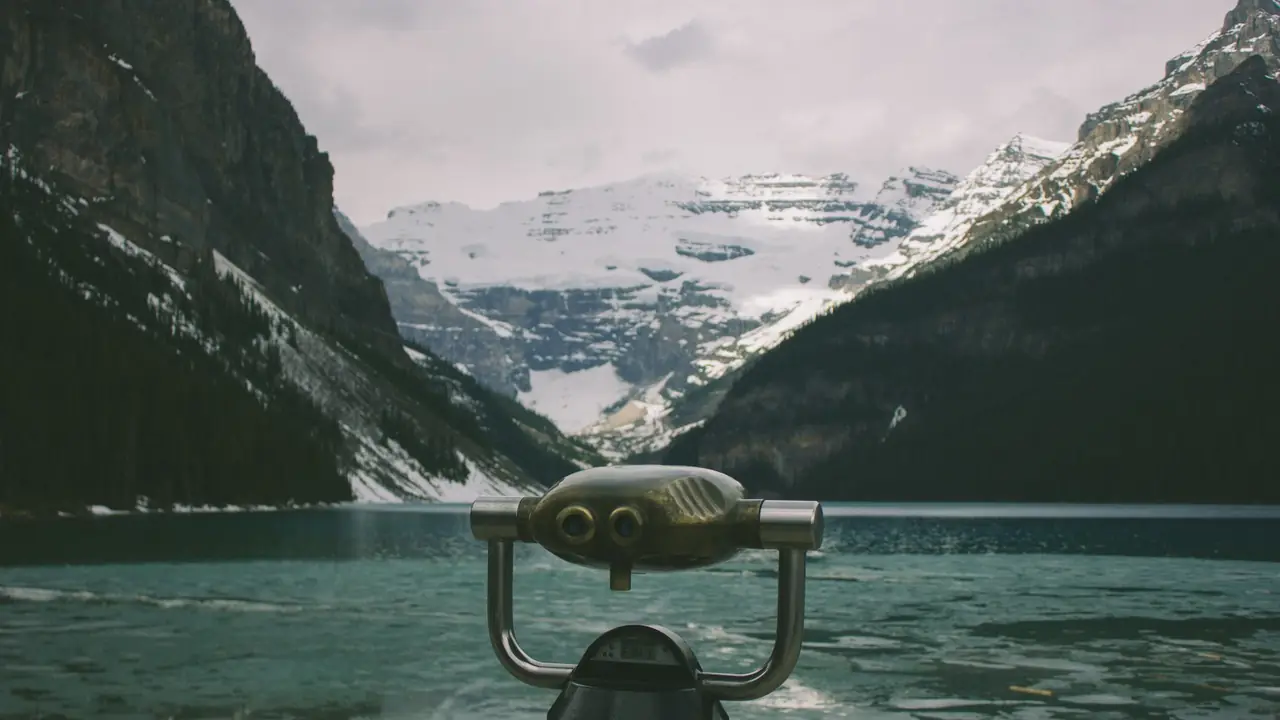
These aren’t mock-ups. Every look below is the app’s own colour transform, lifted straight out of its source and handed to your browser, so what you pick here is what your photo gets.
Beyond colour
Depth, glow and grit
Vignette, HDR, drop shadow and contour are painted rather than tinted, and they stack on top of any filter. Shadow and contour go on any layer; vignette and HDR reach into pixels, so those two belong to a photo.
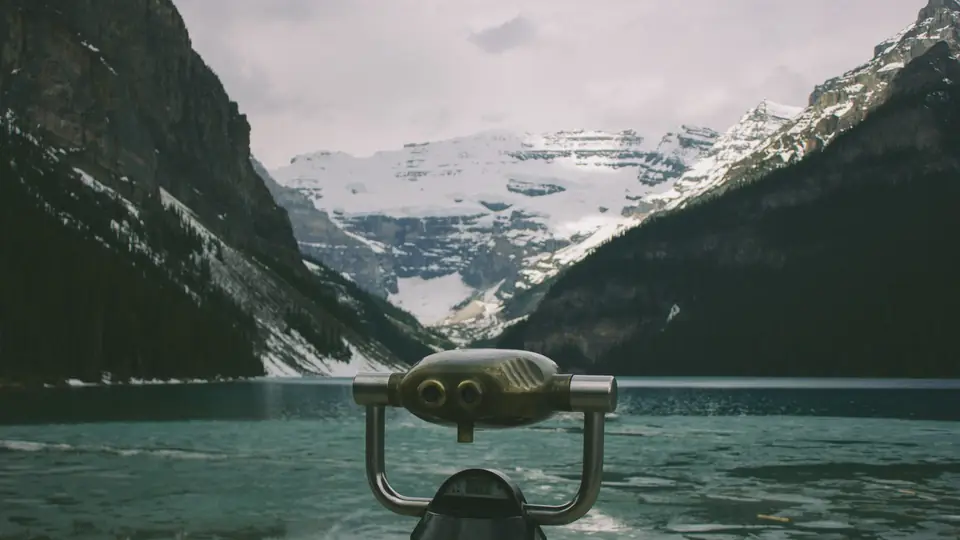
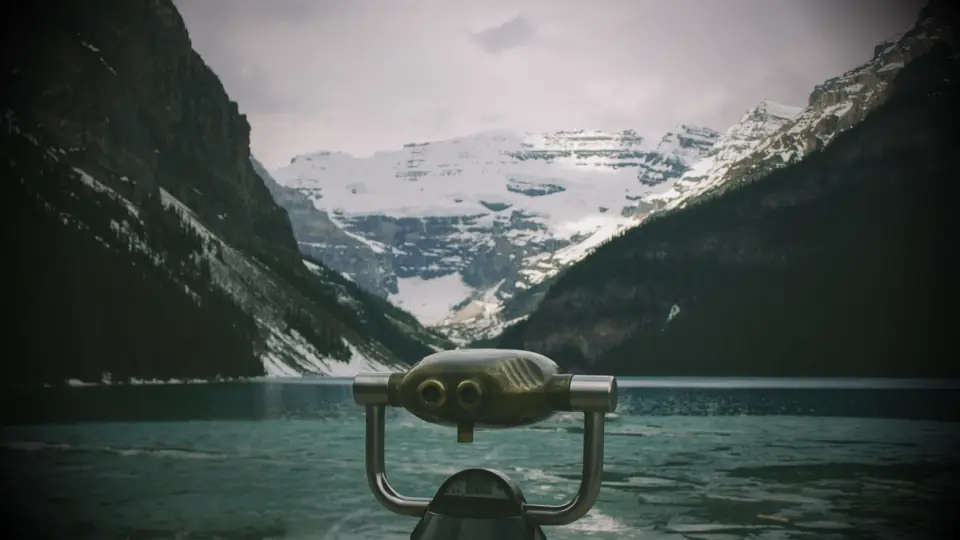
Vignette
Nine colours, with size and softness. On a cut-out it follows the subject’s silhouette instead of shading a rectangle behind it.
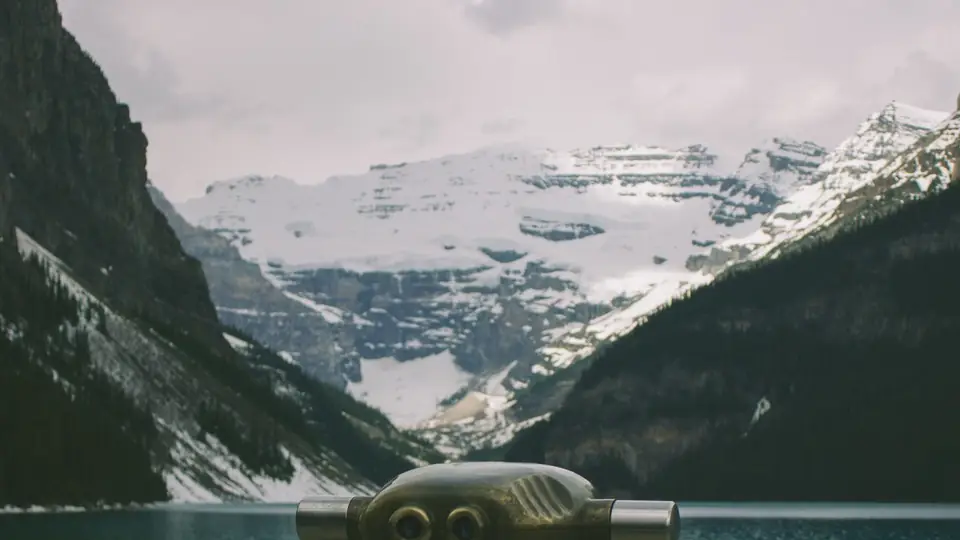
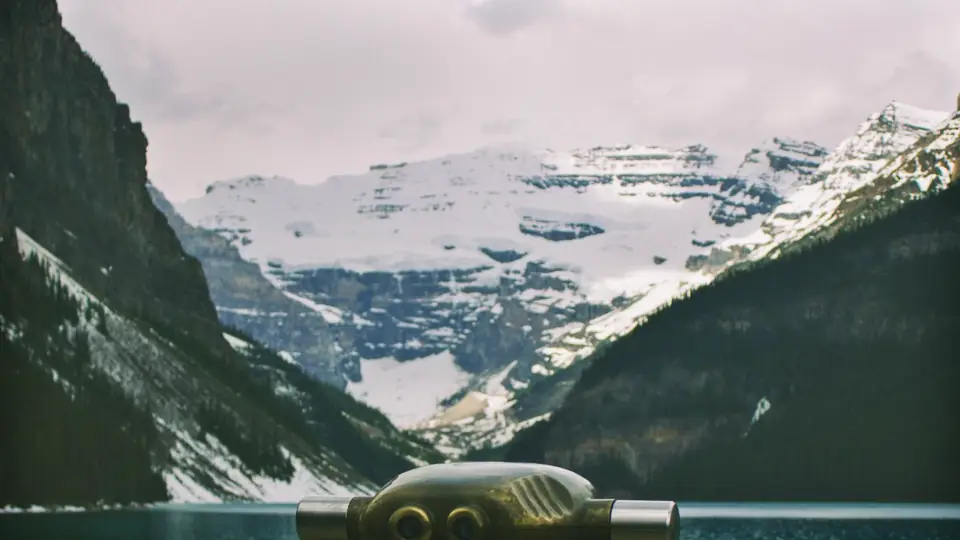
HDR
Lifts shadows, holds the highlights, then adds local contrast: the look a phone camera’s HDR mode gives you, on a slider.
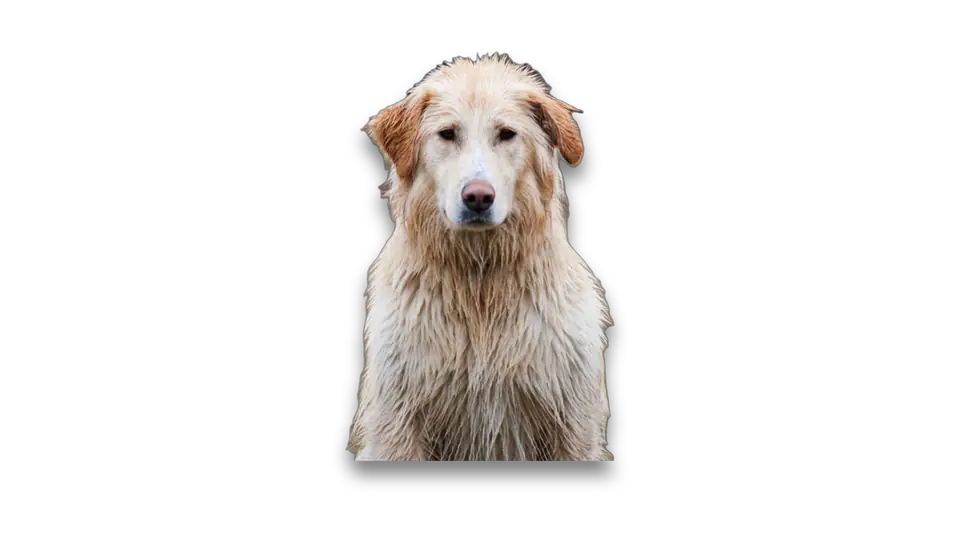
Drop shadow
Direction, distance, blur, spread, colour and opacity. It travels with the layer, so a rotated sticker keeps its shadow.
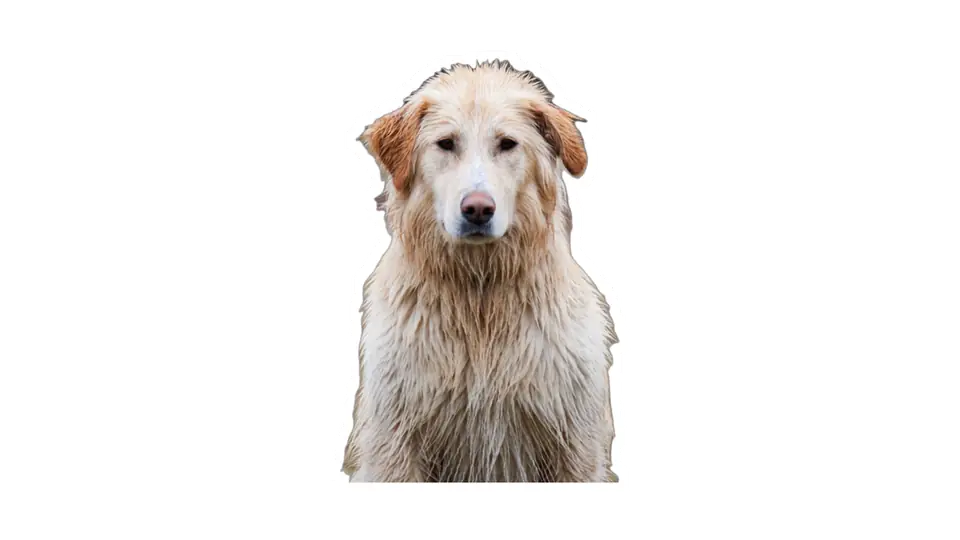
Contour
A stroke grown out of the layer’s own silhouette: the die-cut sticker edge. On text, the same control gives you an outline.
$ chromis --get
Ready to make something?
Object removal, cut-outs, filters, layers and collages: free, on-device and private. For Android 8.0 and newer.