 chromis Android app · android · free, ad-supported
 bartosz@idct:~/software/chromis$ ls screens/
screens
Filters, collages, layers and one-tap AI, all running on your phone.
Take a look
Inside the editor
-
 (open full size)
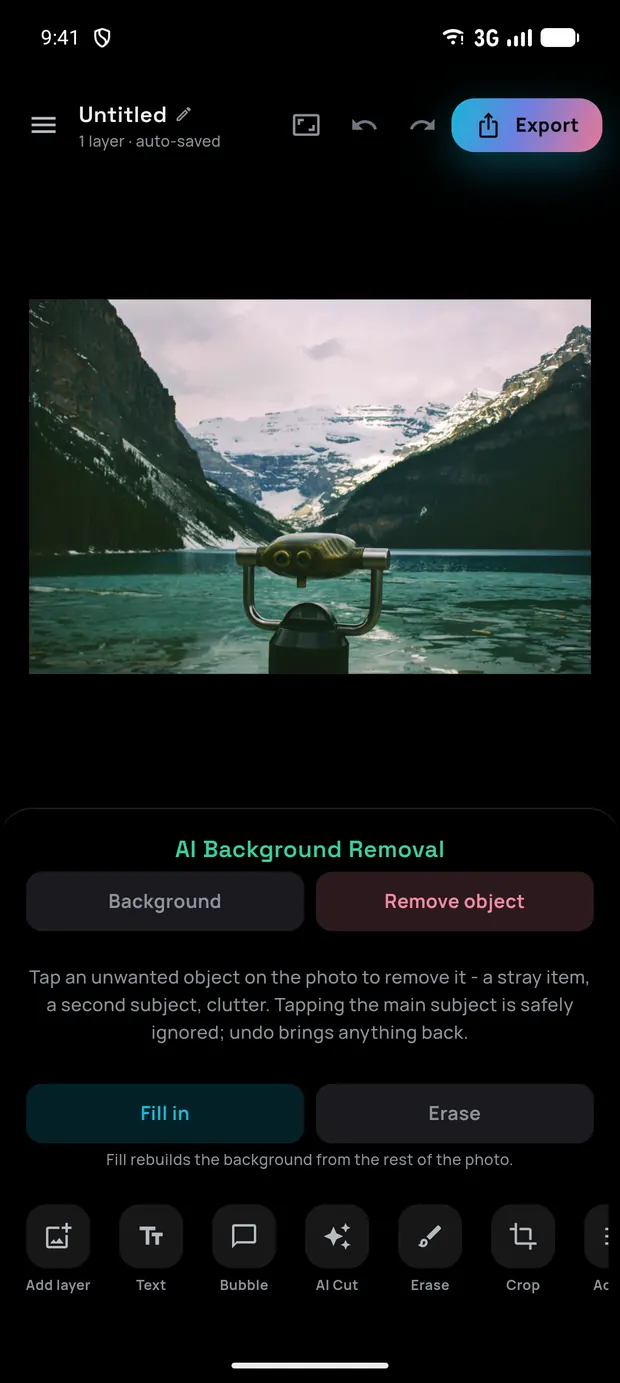
 Remove object
Fill in, or erase
-
 (open full size)
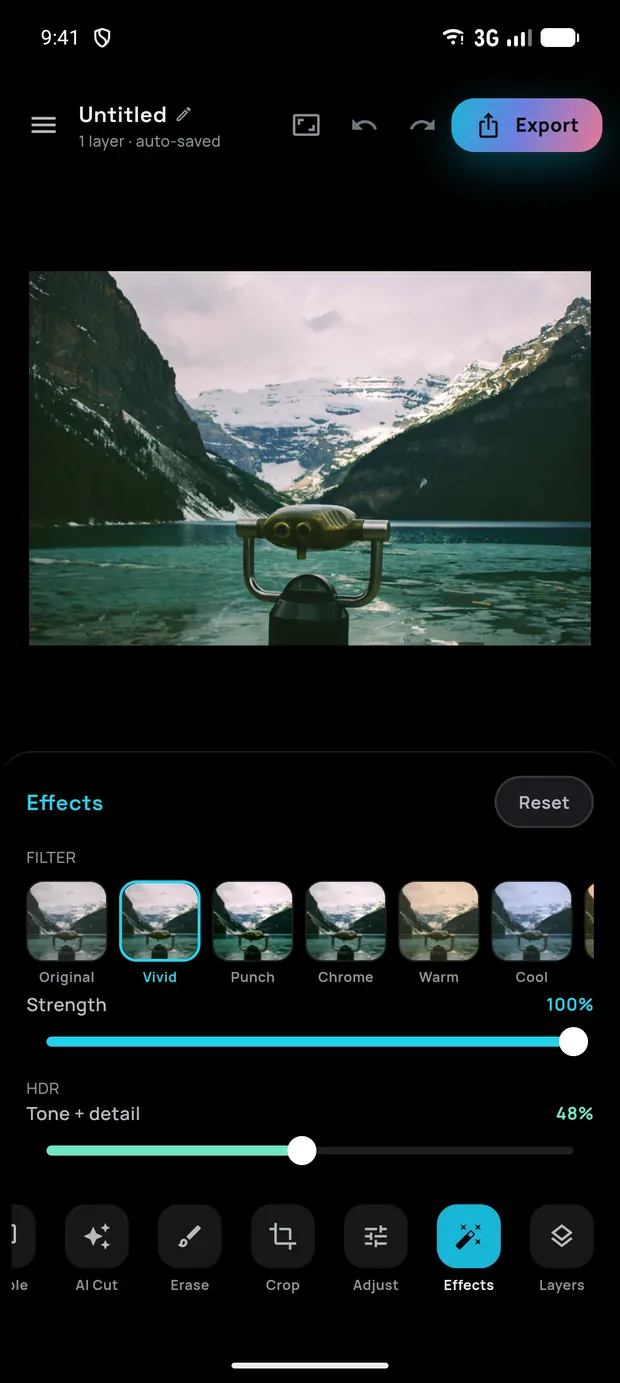
 Effects
Filters, HDR and vignette
-
 (open full size)
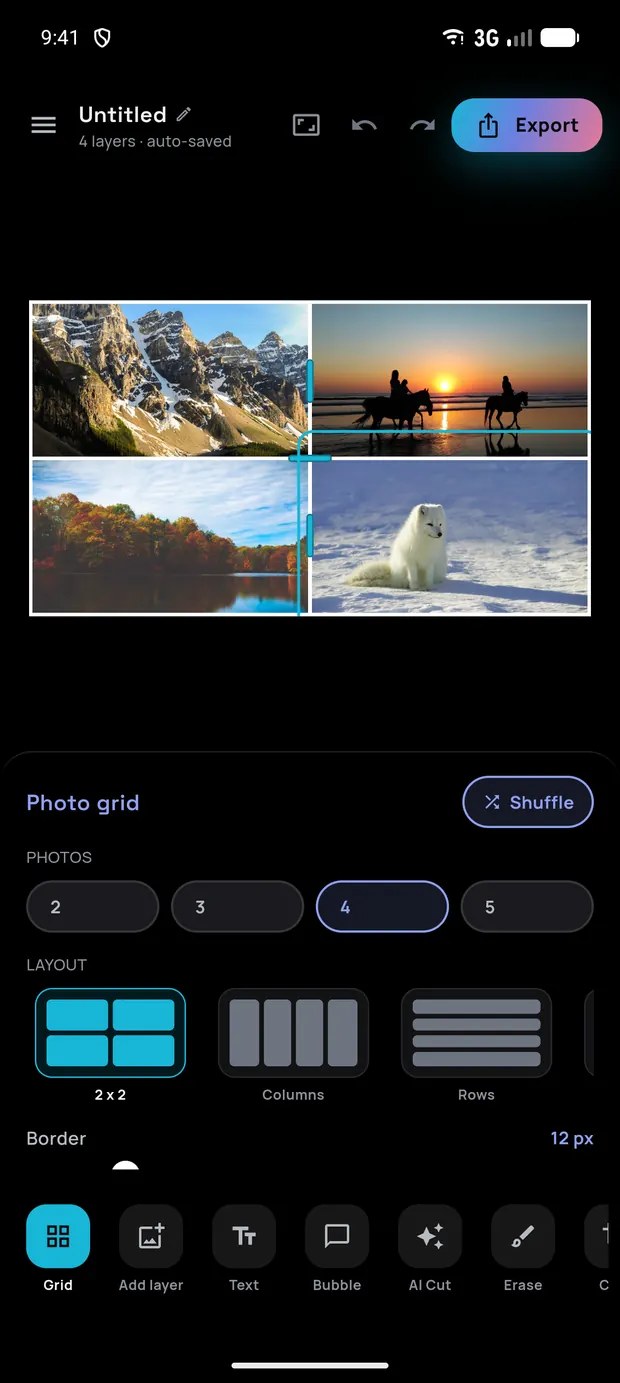
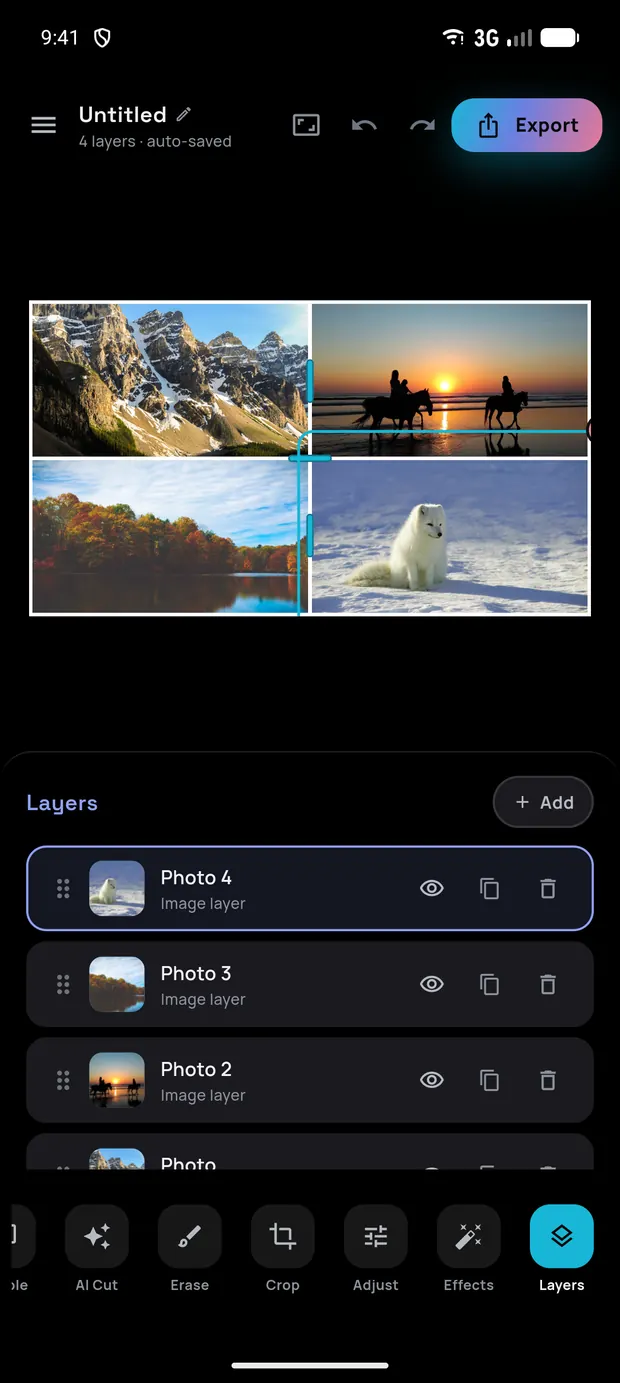
 Photo grid
Collages with draggable dividers
-
 (open full size)
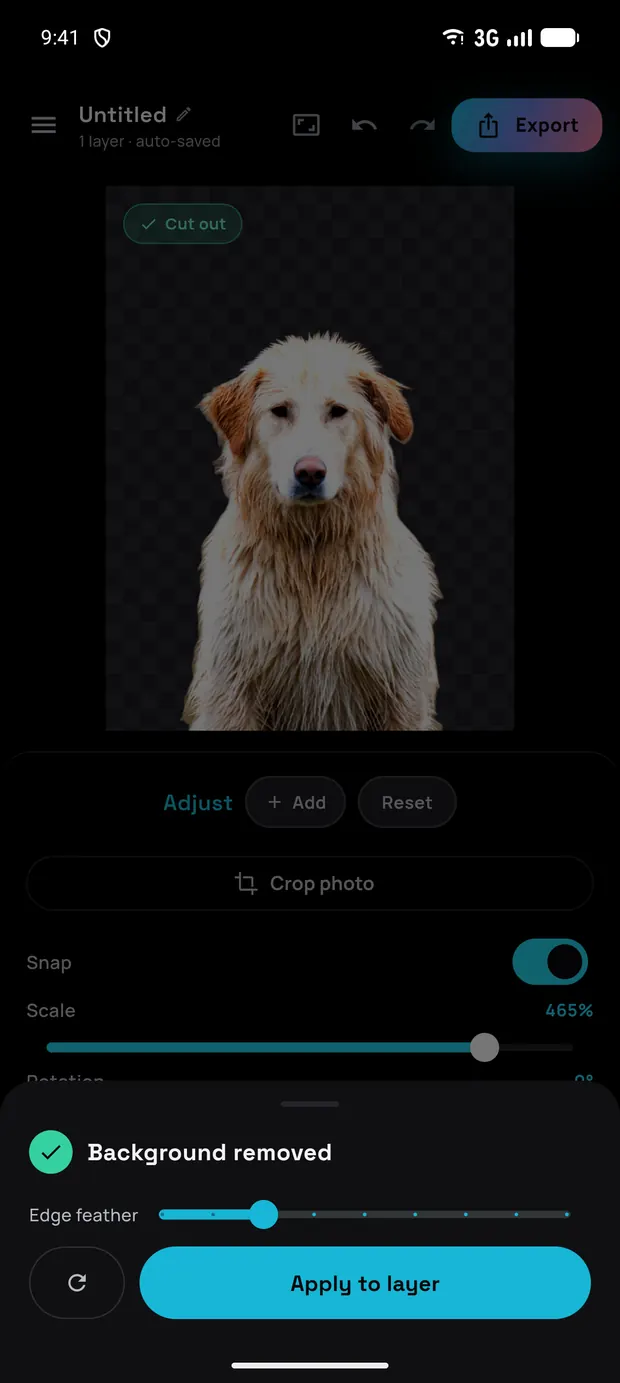
 AI cut
One tap, then snap it into place
-
 (open full size)
 Layers
Stack, merge and flatten
-
 (open full size)
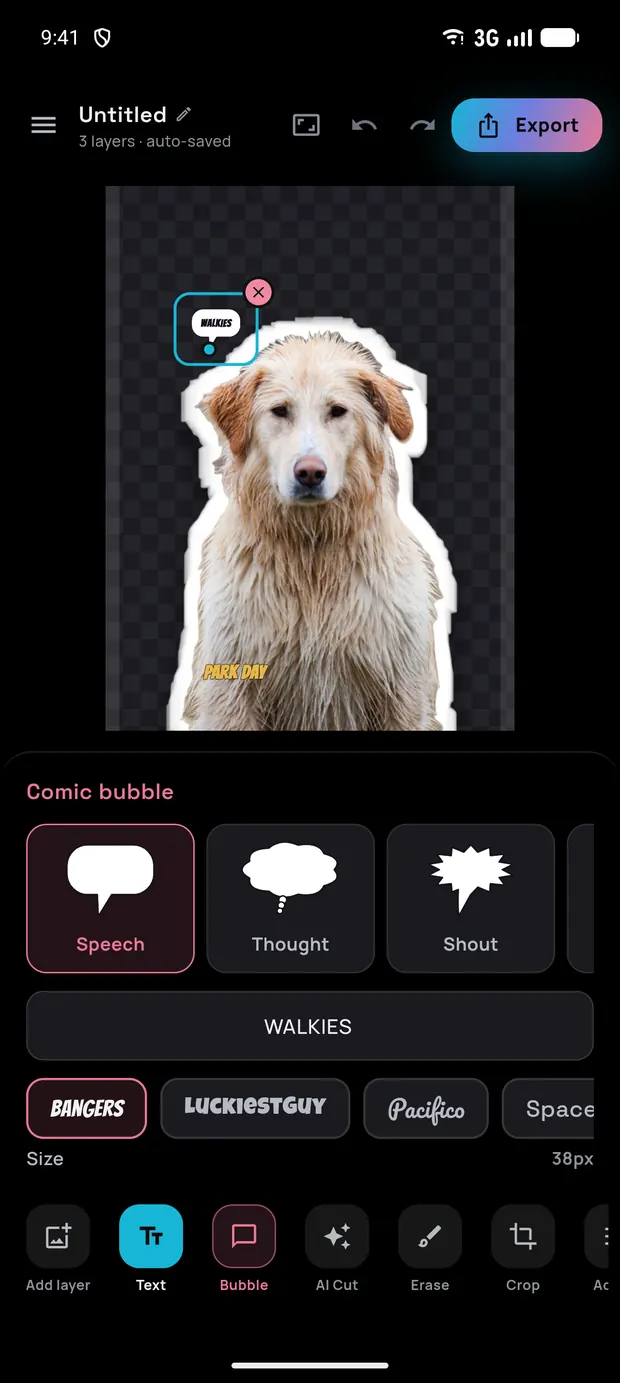
 Text and bubbles
Captions and comic shapes
-
 (open full size)
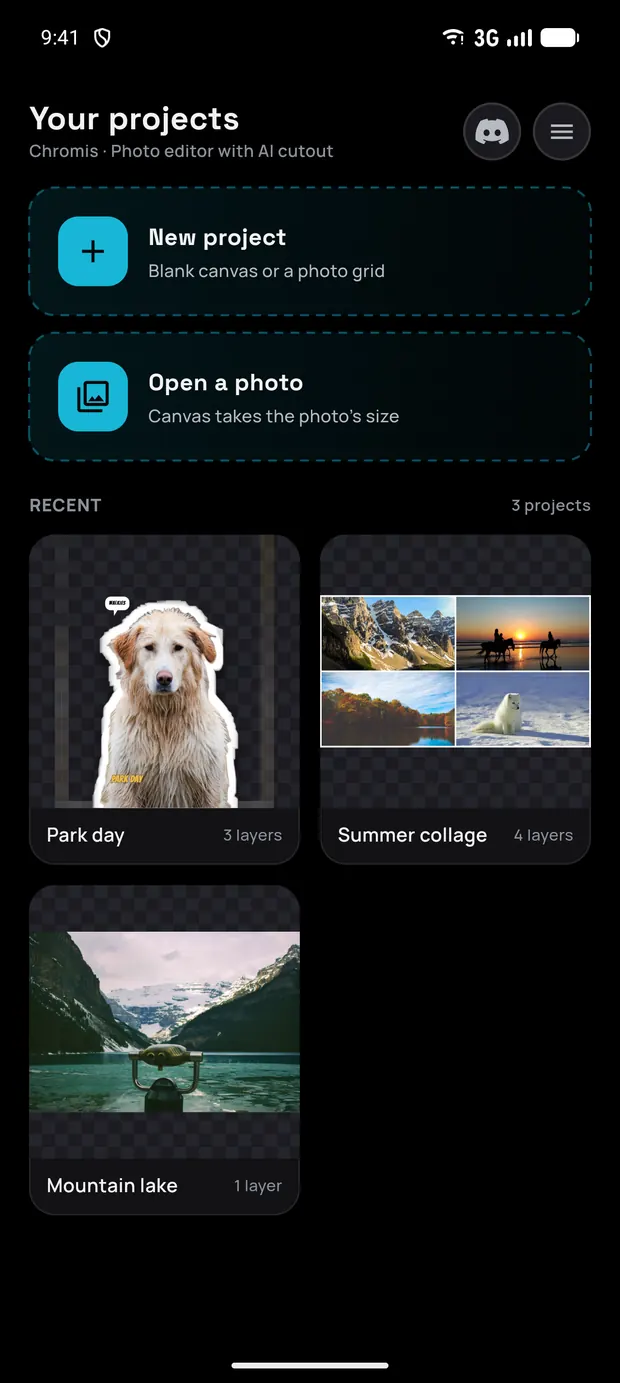
 Home
New project, a photo, or carry on
 (open full size)
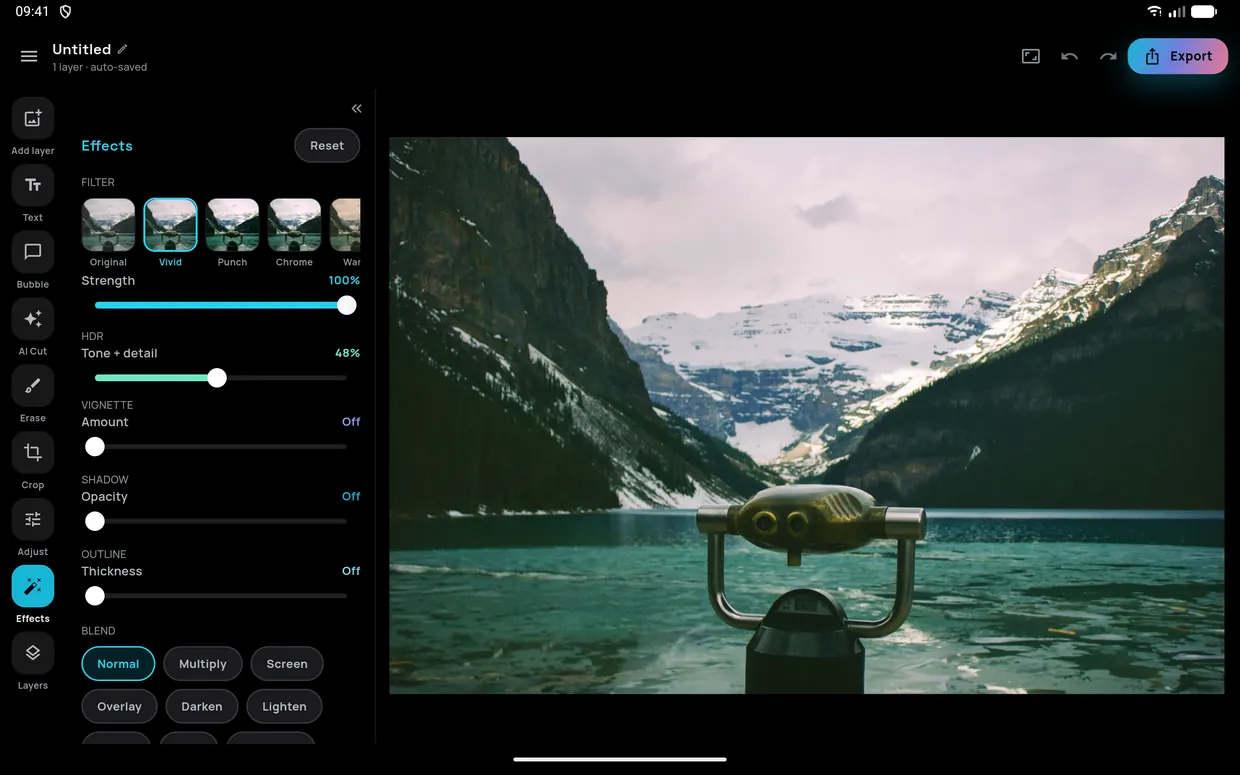
 Turn your phone. Or bring a tablet.
In landscape the dock becomes a rail down the left edge and the tool panel folds away, so the photo gets the room it deserves. Tablets get the same layout with a wider canvas: this is a 10-inch one.
$ chromis --get
Ready to make something?
Object removal, cut-outs, filters, layers and collages: free, on-device and private. For Android 8.0 and newer.