skip to content
szczecin 53.43N 14.55E ./start-project
chromis Android app · android · free, ad-supported

bartosz@idct:~/software/chromis$ chromis --features

features

Object removal, cut-outs, filters, layers and collages: a free Android photo editor whose AI runs entirely on your phone.

get it on Google Play ↗

Free · On-device AI · Android

Erase the background. Not your privacy.

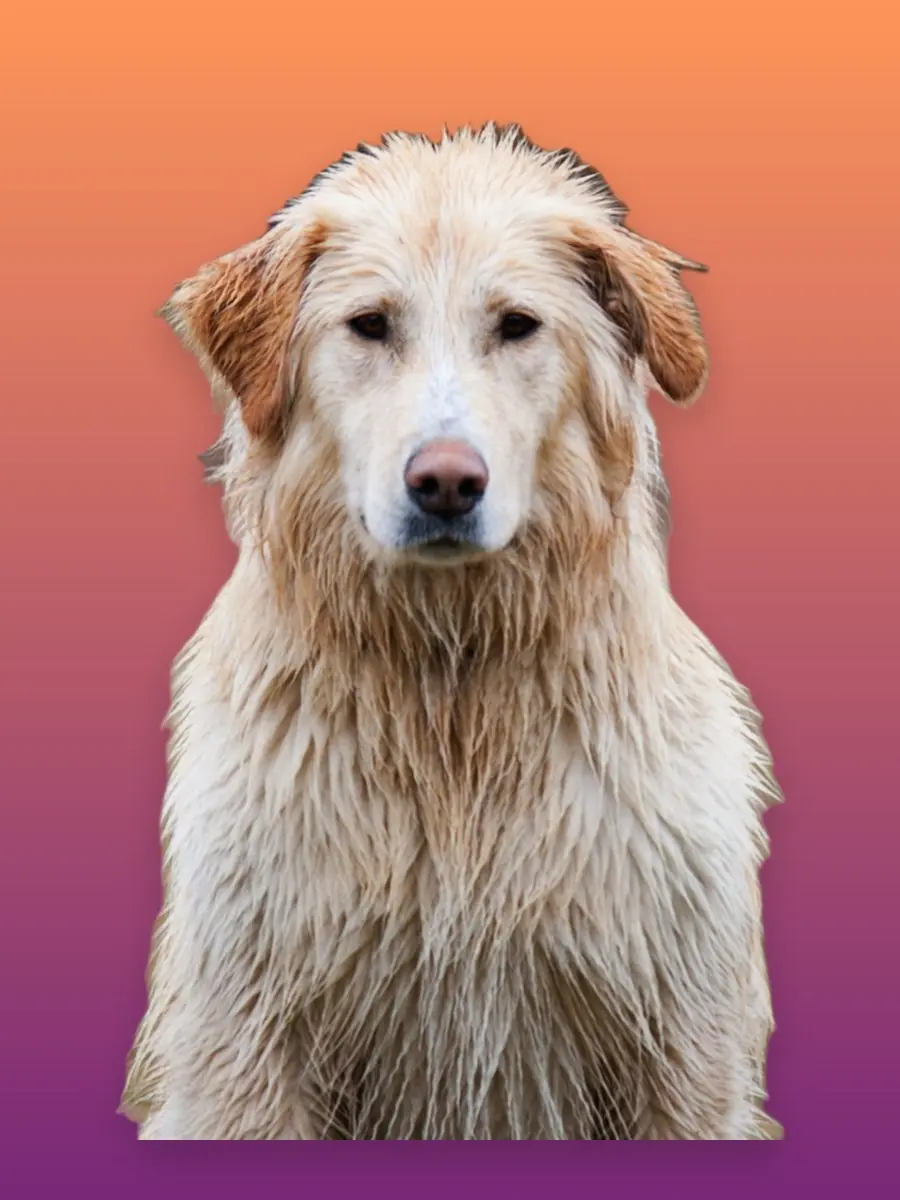
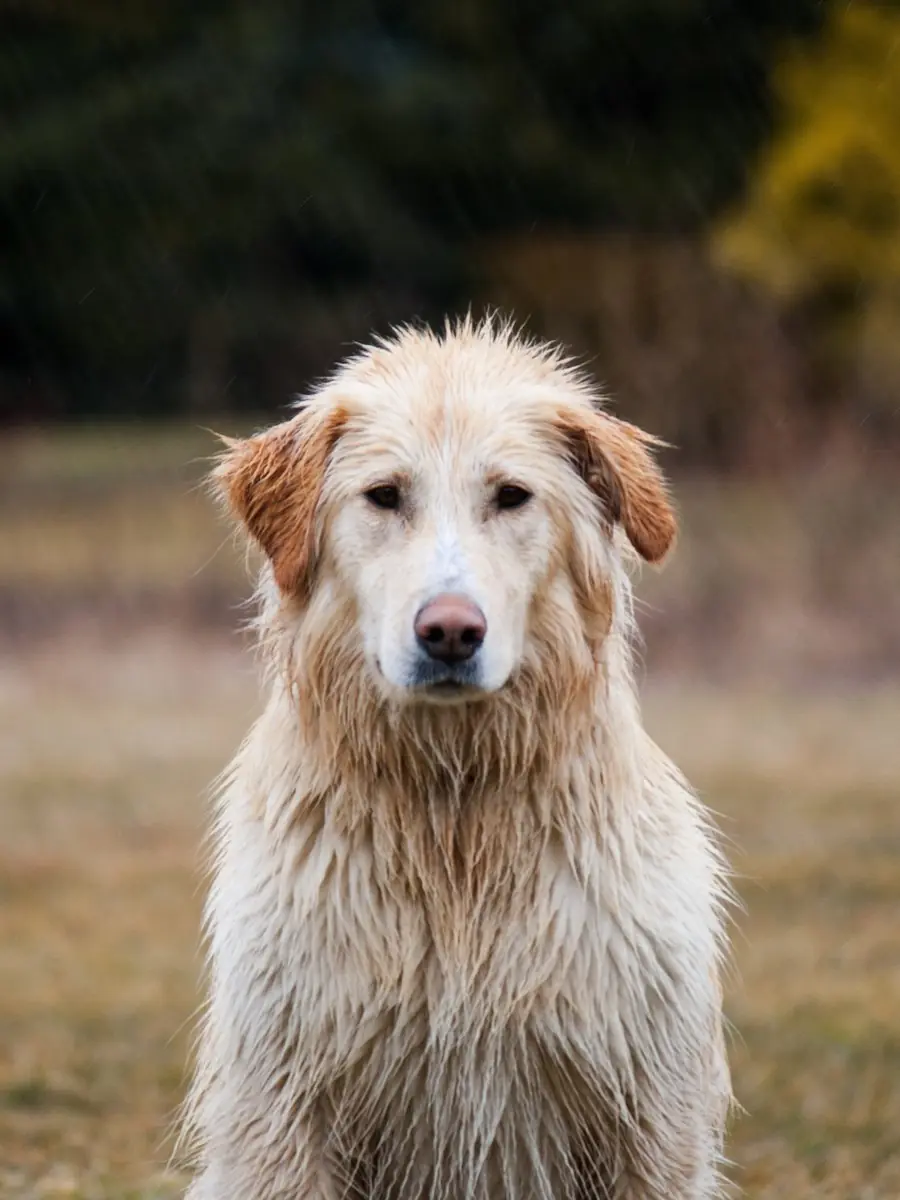
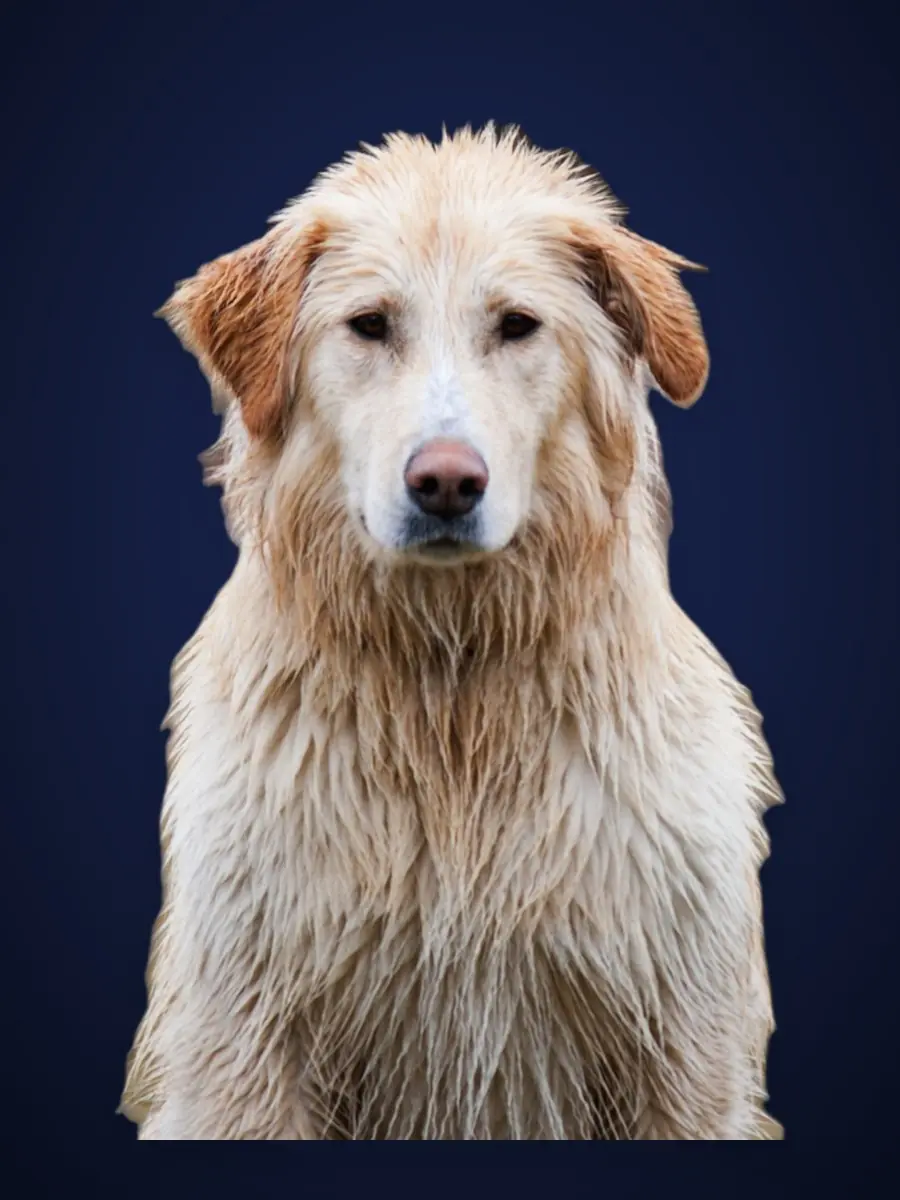
Cut out subjects, remove what you didn’t want in the shot, then stack layers with filters, shadows and blend modes, powered by AI that runs entirely on your phone. This before and after is a genuine result from the app’s on-device model: no cloud, no touch-ups. Drag it.

Original photo of a dog in a park The same photo with its background removed by on-device AI

New · Object removal

Take it out. Put the background back.

Tap the thing you wish wasn’t in the shot (a bin, a sign, a stranger at the edge of the frame) and it goes. The question most editors never answer is what goes there, and a transparent hole is not an answer. Chromis rebuilds the background behind it, on your phone.

  • Fill in, or Erase: you pick first

    The chooser sits at the top of the panel and Fill in is the default, because "remove this" means a closed background to nearly everybody. Erase is still one tap away when you actually want transparency.

  • A generative model, bundled

    Fill runs a 27 MB image-completion network that ships inside the app, so it works in flight mode. Where that can’t help it falls back to a content-aware fill that always runs: the feature degrades instead of disappearing.

  • It knows what you pointed at

    A tap is turned into a selection by MobileSAM, so you get the whole object rather than a blob the size of your fingertip. Tapping your main subject is safely ignored, and undo brings anything back.
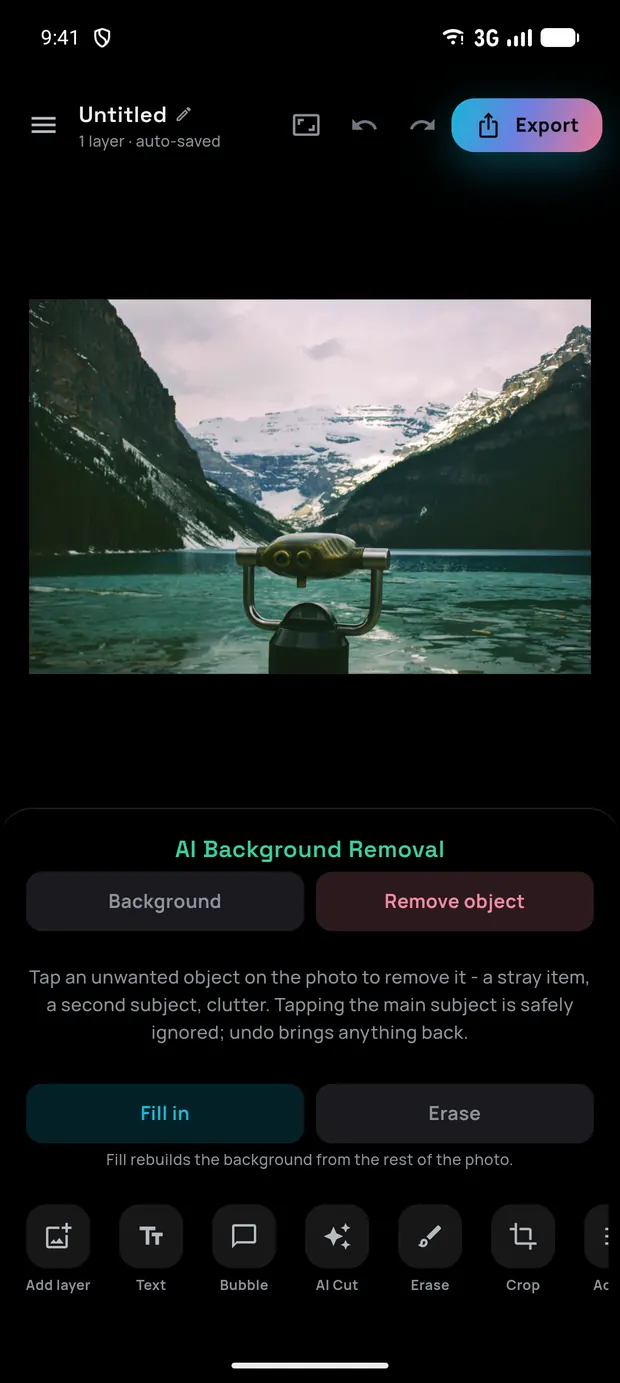
The Remove object panel: a Background / Remove object pair above a Fill in / Erase chooser, with the line "Fill rebuilds the background from the rest of the photo" (open full size)
The Remove object panel: Fill in is the default, Erase one tap away.

One tap, real AI

Cut it out. Drop it anywhere.

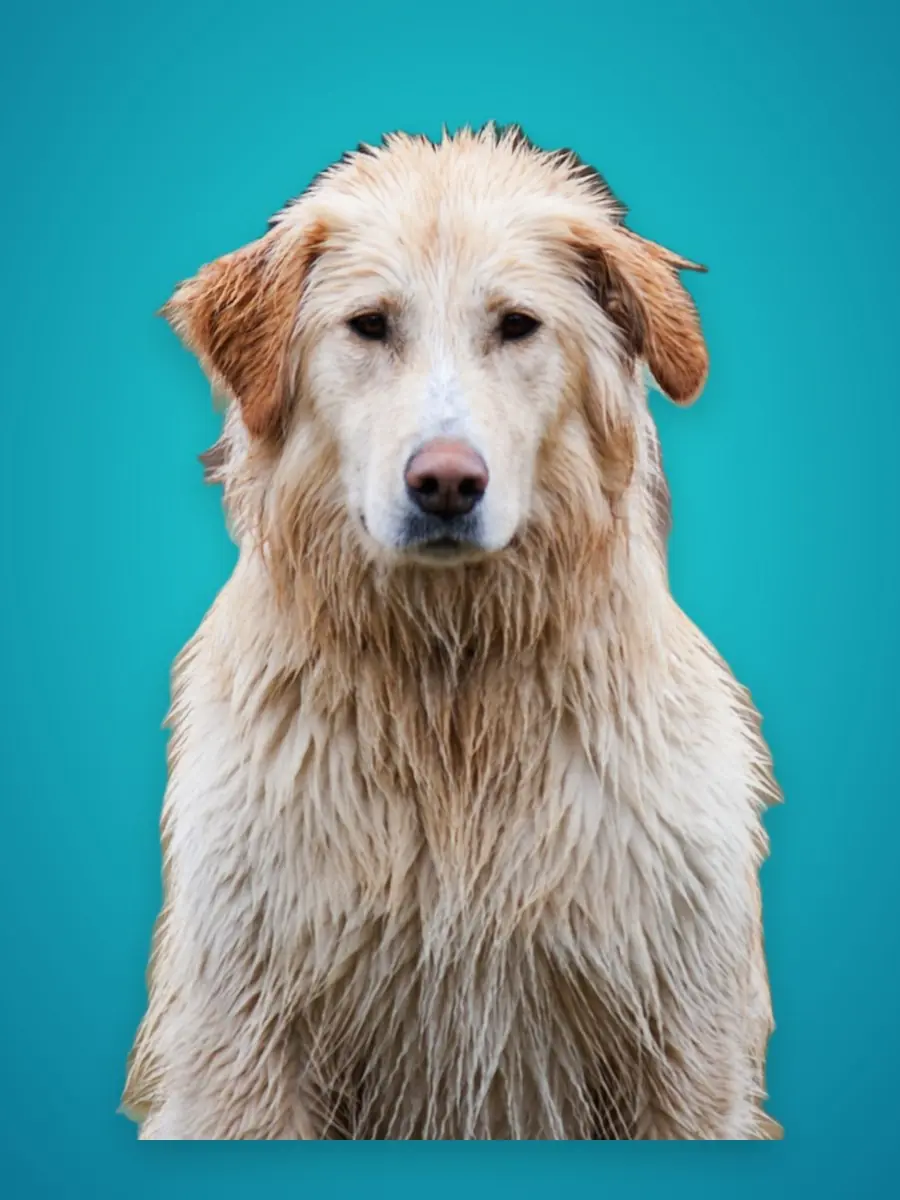
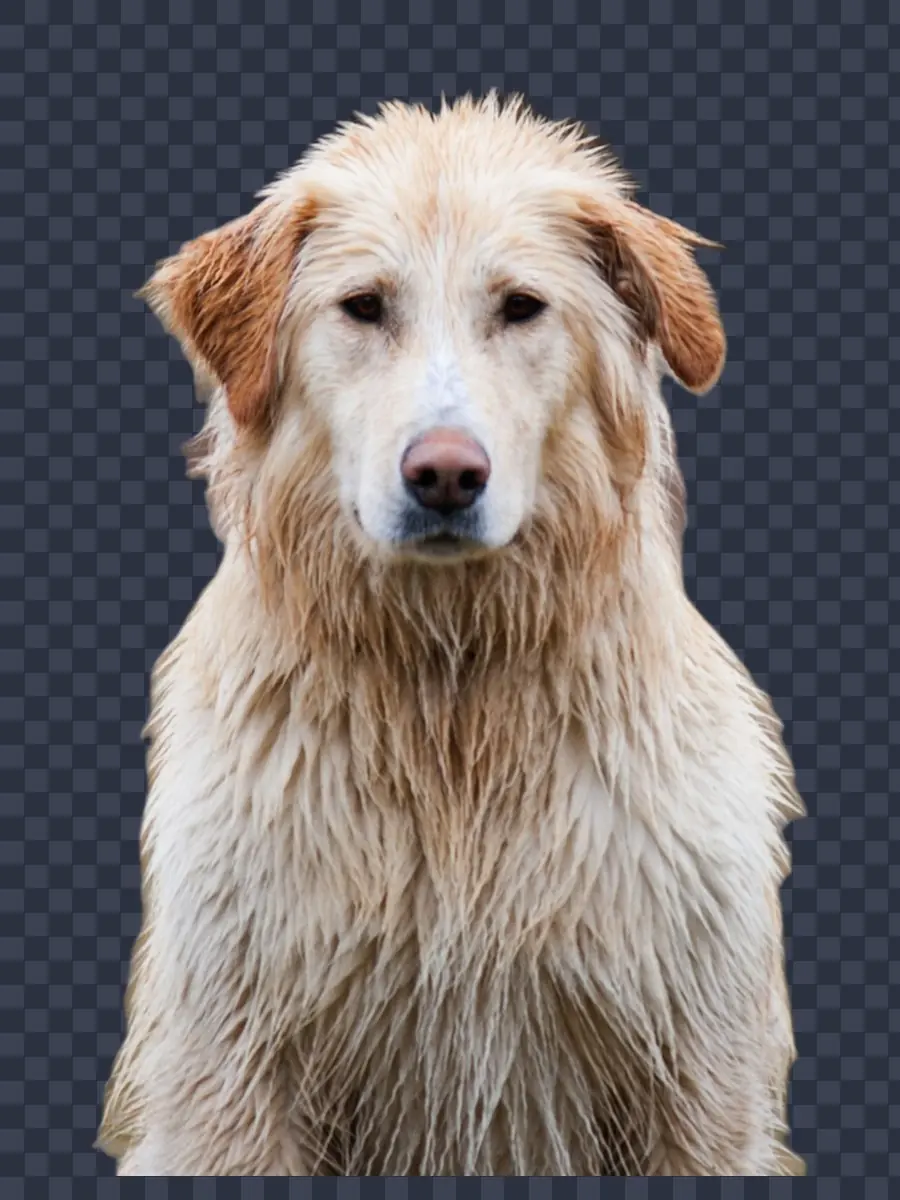
Once your subject is free, put it on any backdrop or export it as a transparent PNG. The cut-out comes straight from the app’s on-device model, untouched.

Dog cut-out on a sunset gradient background
The same cut-out on three backdrops.

Photo grid

Collages that hold their shape

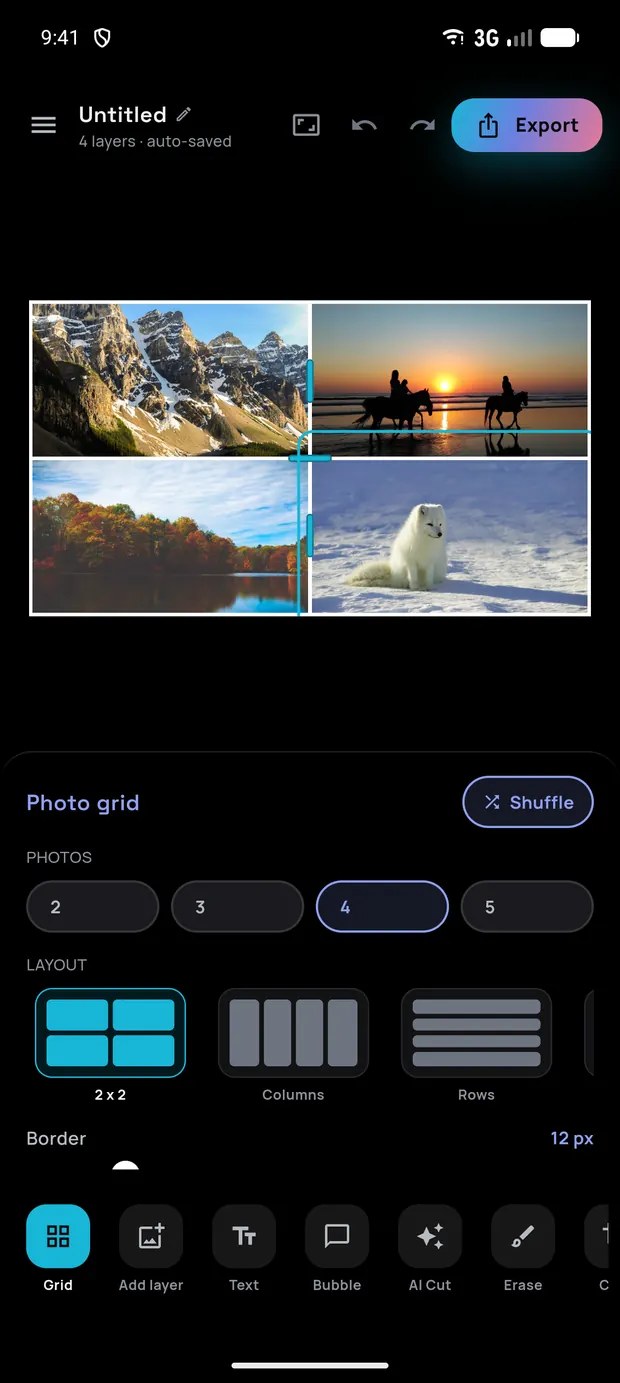
A grid is a partition of the canvas, not a separate kind of document, so a cell is just a window onto the same editor. Cut out a subject, stack a filter, drop in text: every tool works inside a cell exactly as it does anywhere else.

  • 18 layouts, 2 to 5 photos

    Four ways to place two photos, four for three, five each for four and five, named the way you’d describe them: Side by side, Big left, 2 over 3. Swap layout at the same count and photo N stays in cell N.

  • A divider moves two cells

    Drag one and it trades space between exactly those two neighbours; every other cell keeps its rect. No cell shrinks past 12% of its split, and the whole drag is a single undo.

  • The border is the background

    Gaps and the outer frame are the fill showing through, not a stroke laid over your photos. One Border slider from 0 to 80 px sets both, Corners runs 0 to 60 px, and there are nine preset colours.

  • Nothing is locked in

    Count, layout, border, corners and colour stay in the Grid panel for the life of the project. Dropping to fewer photos removes the ones in the cells that go, and one undo brings them back.

A four-photo collage in a 2 by 2 grid, with the Photo grid panel showing count, layout and border controls (open full size)
A 2 by 2 collage with the Photo grid panel.

New · Snap & place

Line things up without squinting

Drag a layer and it settles onto the nearest alignment (the edges and centres of every other layer, and of the canvas itself) with a guide line showing exactly what it caught. Pinch instead and it will match a neighbour’s size as well; a plain drag never resizes anything. Turn the toggle off and nothing moves but your finger.

  • Tilted layers line up too

    Alignment is measured along the layer’s own axes, not the screen’s, so two stickers at the same angle can be made genuinely flush. Carry one up against a neighbour a couple of degrees off and it takes that angle.

  • Sliders for the layer you can’t grab

    Scale, Rotation, Horizontal and Vertical drive any layer: a caption, a speech bubble, a photo. A sticker pinched down to a speck used to be smaller than a fingertip and stuck that way; now it is a slider.

  • Nothing is a trap

    Rotation snaps to straight over the last couple of degrees, both placement sliders snap to dead centre, and every one of them is a single undo step.

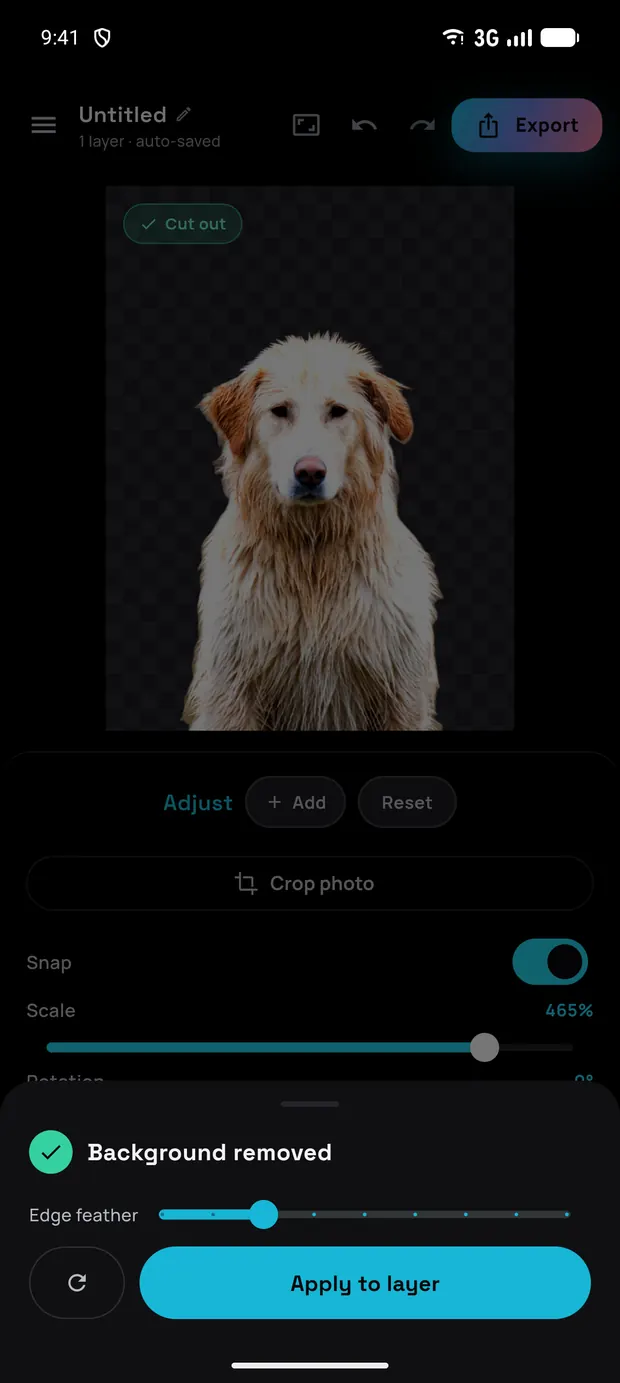
A cut-out subject on the canvas with the Adjust panel below it, showing a Snap toggle switched on above a Scale slider (open full size)
A cut-out with the Snap toggle and the Scale slider.

Everything in one editor

A full studio in your pocket

From a one-tap cut-out to layered compositions with filters, blend modes and collages: every tool runs locally on your device.

  • One-tap background removal

    On-device AI finds your subject and cuts it out cleanly: Google ML Kit, with a bundled U²-Netp model as a universal fallback.

  • Object removal that fills in

    Point at anything you don’t want (a photobomber, a sign, a stray leash) and a bundled generative model rebuilds the background behind it.

  • 14 filters, HDR and vignette

    One-tap looks with a strength slider, an HDR pass that lifts shadows and local contrast, and a vignette in any of nine colours.

  • Shadow, contour and blend

    Give any layer a directional drop shadow and a die-cut contour, then composite it with 16 blend modes, Multiply through Luminosity.

  • Layers, merge and flatten

    Stack, move, scale and rotate freely. Merge two layers or flatten the lot into one photo, each a single undo step.

  • Photo grid collages

    Two to five photos across 18 layouts. Drag the dividers, restyle the border, and keep using every other tool inside a cell.

  • Text and comic bubbles

    Captions in bold display fonts with their own outline and shadow, plus rotatable, re-tailed speech bubbles.

  • Adjust, erase and crop

    Fine-tune light and colour, brush away stray pixels by hand, and crop the canvas freeform or to any ratio.

  • Snapping and placement

    Layers settle onto each other’s edges and centres with a guide showing the catch, a pinch matches size too, and Scale, Rotation and the placement sliders drive a caption or a bubble, not just a photo.

  • Light and dark

    Pure black on OLED so the pixels are genuinely off, pure white that stays readable in daylight. Follows your phone, or pin either one.

  • Six languages

    English, Polish, German, Spanish, French and Czech: the whole app, not just the menus. Follows your phone or set it in Settings.

  • Export with transparency

    Save or share as a transparent PNG, JPG or WebP at full size or a fraction of it, straight to your gallery or any app.

Why Chromis

Powerful edits, nothing to hide

  • Private by design

    Background removal, object erase, adjustments: it all happens on your device. Your photos never leave your phone unless you choose to share them.

  • Free to use

    Every editing tool is free, supported by ads. Prefer a clean canvas? One small one-time purchase removes ads for good.

  • No account, works offline

    No sign-up and no login. Because the AI runs locally, editing keeps working even without a connection.

$ chromis --get

Ready to make something?

Object removal, cut-outs, filters, layers and collages: free, on-device and private. For Android 8.0 and newer.