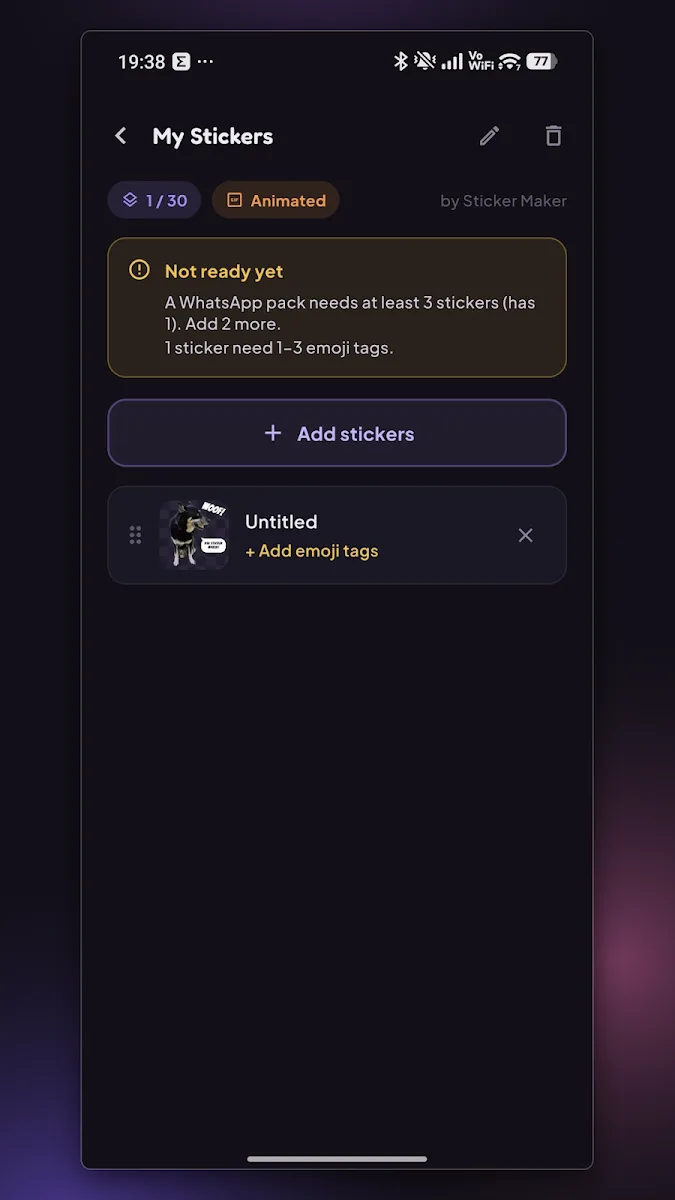
On device
Cut out
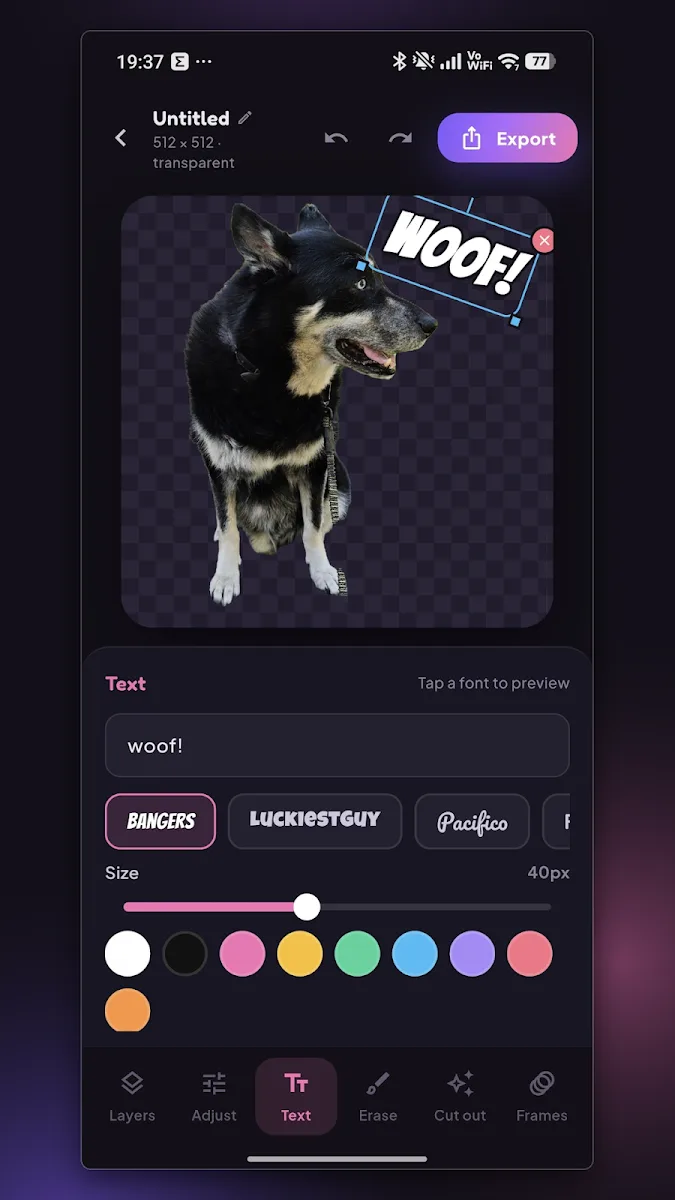
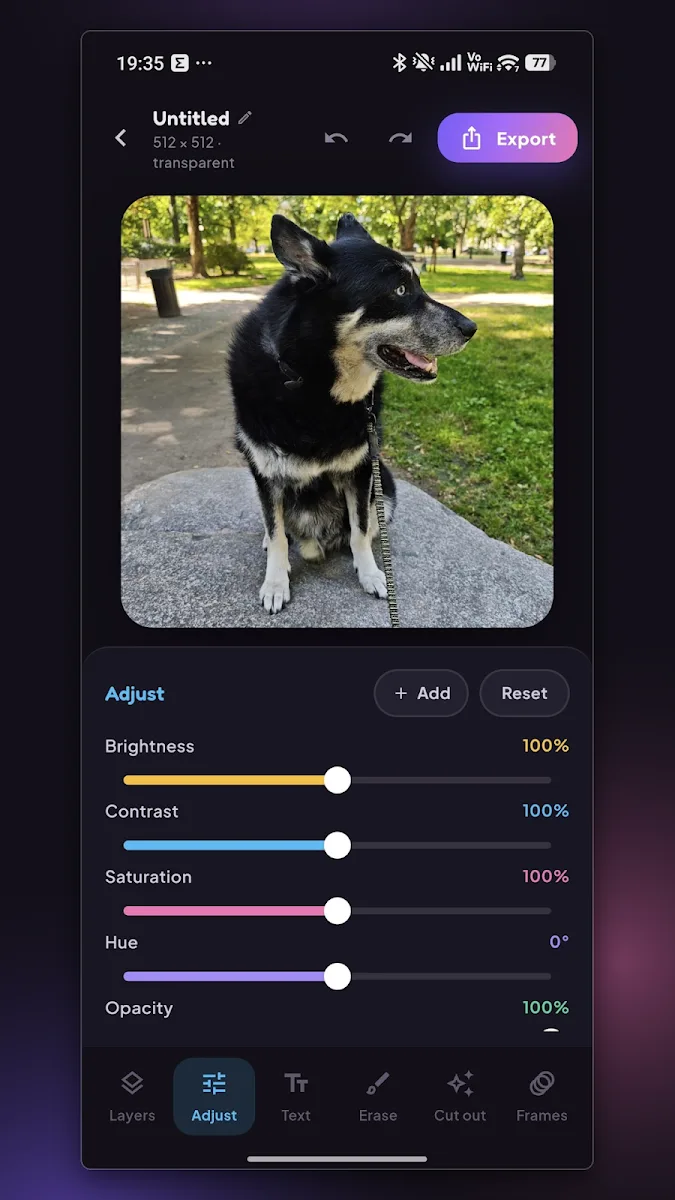
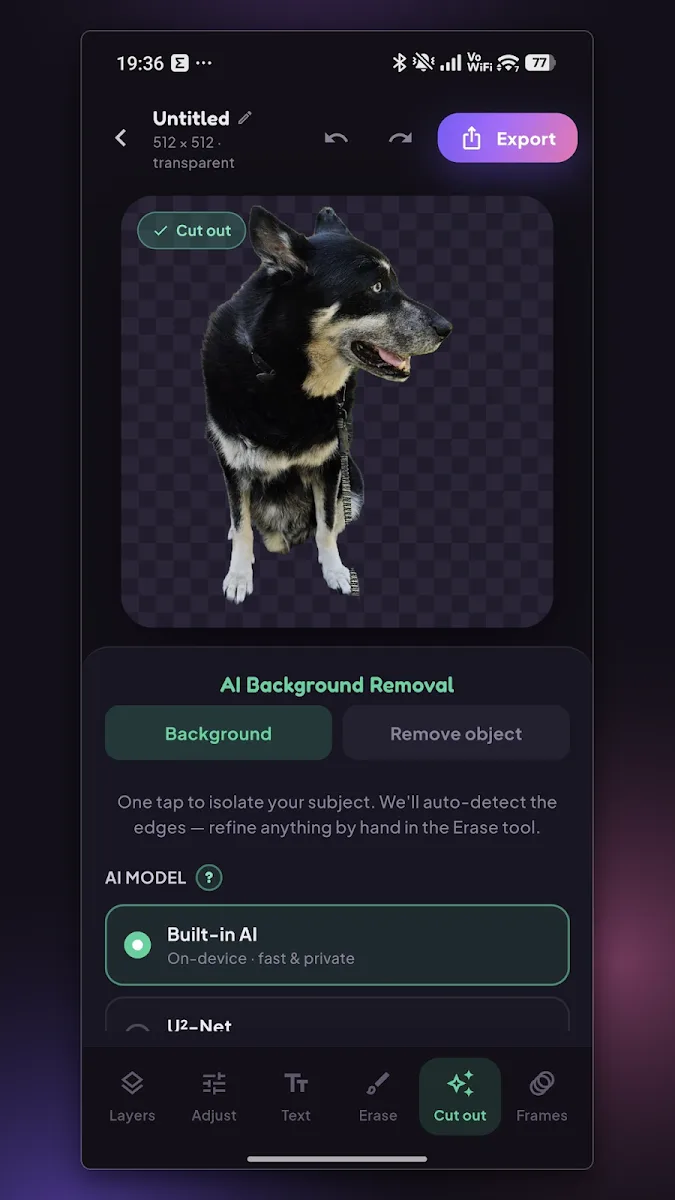
Tap Remove background and the app finds your subject (your dog, your friend, the ice cream) and lifts it off everything behind it. The button walks through Remove background → Working… → Undo removal, so it is one tap forward and one tap back.
Then add the classic sticker look: a white die-cut outline traced around the cut-out, as thin or as chunky as you like. The cut-out is a mask over the original photo, which is never thrown away, so you can undo, redo, or paint part of the background back at any point.
-
One action button
Three states (Remove background, Working…, Undo removal) over a full-canvas progress overlay.
-
Die-cut outline
Adjustable from a hairline to a chunky white border, so the sticker reads as a cut-out on any chat background.
-
Non-destructive
The photo stays intact underneath. Removal is a single undo step.
 (open full size)